Ship orders without the hassle
Connect multiple carriers, create labels, and manage deliveries from the same place you sell.






How it works
Find the best option by price, time, and coverage.
Compare rates across multiple carriers and enable only the options your store needs.

How it works
End-to-end shipping workflow in your store dashboard
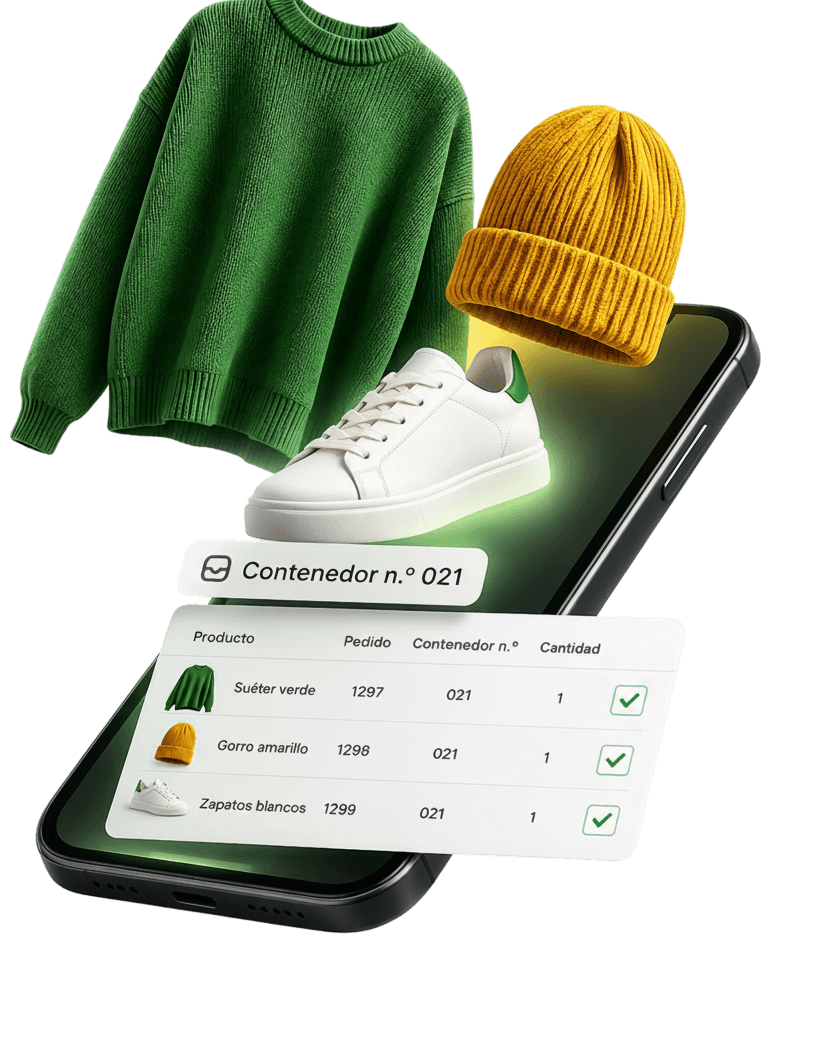
Orders flow in automatically
Domun syncs products and orders in real time so you can prepare each shipment faster.
Organize and prep products with ease
See which products belong to each order and keep everything ready to pack and dispatch.
Manage shipments from one place
Centralize orders, statuses, and shipment prep without switching tools.
Frequently asked questions
Can I quote and generate labels from Domun?
How is shipment status updated?
What if the delivery address changes?
Does Domun charge extra for shipping features?
Can I use multiple carriers?
Where do I see shipment history?
Start today
The first 15 days are free


